
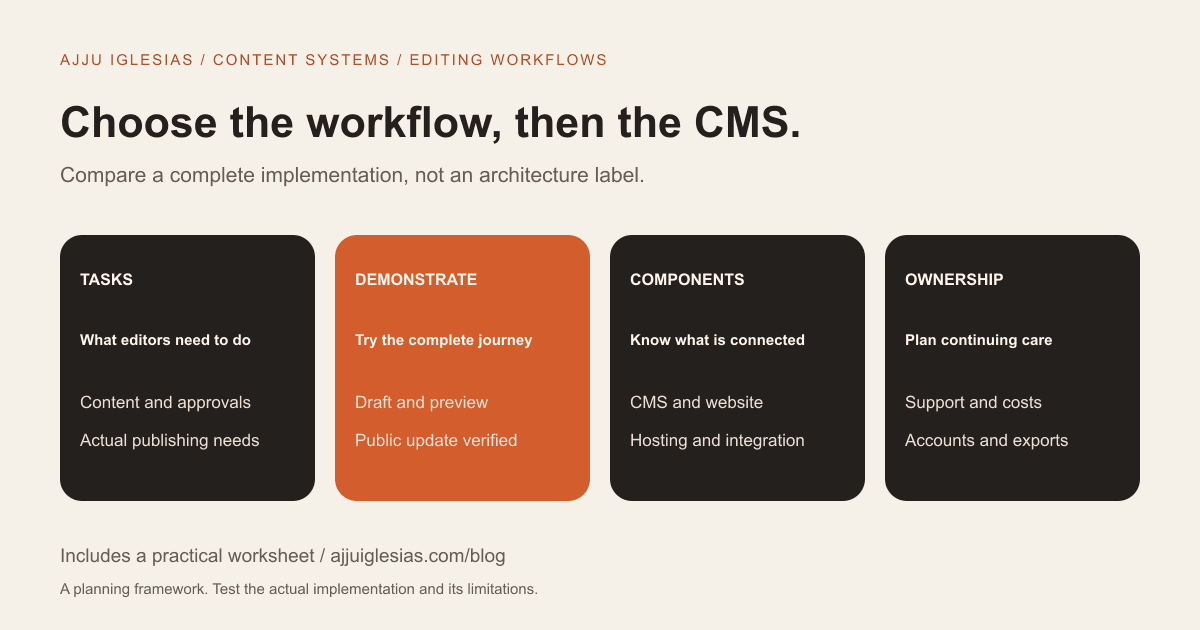
Choose a headless CMS or a conventional WordPress setup by examining how your team creates, previews, approves and publishes content. The useful question is not which architecture sounds more modern. It is which complete implementation supports the work your business needs to do.
A headless approach separates content management from the application that presents the content. A conventional WordPress site commonly manages content and website presentation within the same overall implementation. Those are architectural choices, not automatic rankings of speed, security or ease of use.
This guide focuses on business editing workflows. Use the CMS evaluation worksheet to compare actual tasks, costs and responsibilities before choosing a platform.
WordPress can also be headless
“Headless CMS versus WordPress” is not a perfectly exclusive comparison. WordPress has a REST API that applications can use to retrieve and manage content. A developer can use WordPress as the content backend for a separately built front end.
That distinction matters when evaluating a proposal. You might be comparing a conventional WordPress site with a separate CMS and front end, or with headless WordPress. Ask the supplier to identify the actual configuration.
The WordPress REST API handbook documents this capability. It does not mean an existing WordPress website automatically includes a complete separately built application, preview system or publishing workflow.
Avoid deciding between labels before you understand the proposed editor, website, hosting and support arrangement. The complete implementation is what your team will use.
Describe the editing tasks
List routine tasks in the language your team uses. Examples include changing opening hours, adding a room package, updating a service description, publishing an article or adding a case study.
Distinguish simple field updates from creating new page structures. An owner who changes room details has different needs from a marketing team building new campaign layouts every week.
Identify who performs each task, how often it happens and whether someone must approve the result. Also record where the content appears: one website, several websites, an app or another channel.
The website brief template helps organise those requirements. A useful CMS recommendation should respond to the tasks rather than replace them with a list of technical features.
Compare structured fields and layouts
Some teams benefit from focused fields with clear purposes: room name, occupancy, amenities and photographs. Others need more freedom to assemble editorial pages from approved components.
More layout freedom can create more decisions for editors. More structure can make recurring content consistent, but it also needs a model that reflects the business instead of forcing every topic into the wrong shape.
Sanity's Content Lake documentation describes storing and querying structured content. That capability can support different presentation channels, but the specific editing interface and content model still need designing.
Ask the supplier to demonstrate a representative piece of content. Check whether the structure makes sense to the people maintaining it, not just to the developer who created the fields.
Test a real editing session
Give an intended editor a practical task using sample content. Ask them to update a service detail, replace an image, prepare a new entry and find the result.
Observe where they need help. Unfamiliar terminology, too many fields or uncertainty about what changes publicly can be more important than the appearance of the dashboard.
Repeat a task involving a mistake. Can the editor identify what went wrong and follow the agreed correction process? Do not assume every implementation includes the same revision or recovery capabilities.
A guided sales demonstration can hide friction because the demonstrator knows every step. Let your own editor try the proposed workflow before judging it complete.
Examine preview and publishing
An editor needs to understand the difference between a draft, a preview and public content. In a separated architecture, the connection between the CMS and the website is part of the implementation.
Ask what happens after publication. Does the public page update immediately, after a rebuild or through a configured cache refresh? Who investigates if the CMS shows a published entry but the website still displays the old version?
Some headless products provide visual-editing capabilities. Sanity documents a visual-editing approach, for example. That does not mean every custom front end arrives with a finished preview setup; the supplier should show the actual integration.
Test a complete draft-to-public journey and the correction of a published detail. Those tasks are a better basis for comparison than a generic promise of instant publishing.
Check approval and permissions
Identify who can create, review, publish and administer content. A business may want a contributor to prepare material without changing every public page.
WordPress documents roles and capabilities, but the permissions in a particular site depend on the configuration and extensions. Other content platforms have their own permission models and plan constraints.
Ask the supplier to demonstrate the roles you actually need. Check both an allowed action and an action that should be restricted.
Do not make everyone an administrator simply to avoid a workflow decision. A clear publishing process should explain how editors obtain the access needed for their tasks without assuming unrestricted control.
Decide where content is reused
Reusing content can justify a more structured architecture when the same information genuinely needs to appear in several places. A shared service record might feed different channels or applications.
Write down the real reuse requirement. “We may build an app someday” is different from an approved plan to publish the same catalogue across existing channels.
Also identify what varies. Reuse does not mean every page should repeat the same introduction. A channel may require a different format or context while drawing from the same underlying facts.
Ask how changes are reviewed across the consuming applications. A shared content source makes ownership important because an edit can affect more than one visible destination.
Understand the full technical scope
A headless implementation may involve a content platform, front-end application, preview connection, publishing triggers, hosting and integrations. The proposal should identify which parts are included and who supports them.
A conventional WordPress implementation also needs defined hosting, themes, plugins, updates and connected services. Keeping components within one ecosystem does not remove operational responsibilities.
Do not compare the subscription for one content service with the complete delivery cost of the other option. Compare usable implementations with the same content and workflow requirements.
Ask for a simple diagram or written inventory. You should be able to identify where content lives, where the public site runs and what connects the two.
Compare operating cost
Separate initial modelling and development from recurring platform fees, hosting, tools, support and future changes. Record the source and date for provider prices when you obtain actual proposals.
Include work your own team will perform. A system that requires a developer for routine changes creates a different operating arrangement from one your editor can manage independently.
Do not automatically assign lower cost to either architecture. Custom preview work, specialised integrations, licence requirements and the amount of support can change the comparison.
Use the cost structure in the build-versus-buy guide to make assumptions visible. That guide's numerical example is hypothetical, not a CMS rate card.
Assess performance and SEO fairly
Neither a headless label nor a WordPress label guarantees a fast, discoverable website. Ask how the actual public implementation handles useful content, page structure, images, internal links and metadata.
Review representative pages on real devices. A fast empty demonstration does not establish how the complete site will behave with the business's photographs and content.
Make editing SEO-related fields a practical task in the demonstration. Who can update a descriptive page title, maintain a useful description and keep important content accurate?
For an existing site, separate the architecture decision from the migration plan. Use the website migration checklist to preserve useful pages and coordinate changes rather than assume a new stack solves migration work automatically.
Define ongoing care
List the components that need support and the people responsible. That includes publishing failures, account access, integration problems and the public site's important customer journeys.
For WordPress, the maintenance plan checklist explains questions about updates, backups and form testing. A headless implementation still needs an appropriate care plan for its own components.
Ask what happens if a provider is unavailable or an integration changes. The business should know how to report the issue and which supplier coordinates investigation.
A configuration with more moving parts is not automatically unsuitable. It needs an explanation of why those parts are useful and how the team will keep the whole journey understandable.
Plan content migration and exit
Ask what happens to existing articles, images, categories, URLs and content relationships. A new content model may require editorial mapping as well as transferring text.
Try a sample export and import where appropriate using non-sensitive material. Check what is included, what is omitted and how someone would interpret the result later.
Account ownership and documentation matter on both sides. A system should not depend on undocumented knowledge about where important content or configuration lives.
If code-owned content is also being considered, discuss who can publish it. A Markdown workflow can suit an editor comfortable with that process, but it is not automatically the right replacement for a non-technical publishing team.
Two illustrative editing choices
Imagine a small consultancy whose team wants to update service pages and publish occasional articles within an established WordPress workflow. A well-configured conventional setup may be sufficient if it supports the needed editing and public journeys.
Now imagine a business with a defined requirement to reuse structured content across a website and an application, supported by a team maintaining those channels. A separated content architecture may deserve investigation.
These examples do not establish a rule by business size. Headless WordPress, a separate headless CMS or a conventional implementation can each be sensible when the actual workflow and operating responsibilities justify the choice.
Test the proposed setup against the same tasks before deciding. The best demonstration is one your intended editor can repeat.
Questions before choosing
Ask each supplier:
- Which components make up the proposed implementation?
- What can our editors change without development work?
- How are drafts previewed and published?
- Which approval roles are included?
- What happens when a publishing update does not appear?
- Where does content get reused?
- What content and URL migration work is included?
- Who supports the CMS, website and integrations?
- What can we export, and who owns the accounts?
- What are the confirmed recurring costs?
Record answers beside evidence from the demonstration. Missing answers are discovery tasks, not reasons to assume a platform provides something by default.
Choose the workflow your team can run
Start with content tasks and public requirements, test the editing journey and compare the complete operating arrangements. The architecture should support those decisions.
If you want help scoping the choice, send your content types and editing tasks. The CMS development service can be planned around a demonstrable workflow.
Sources and checked date
References checked on 16 October 2026:
- WordPress REST API handbook for its API and separate-application capability.
- WordPress roles and capabilities for role concepts.
- Sanity Content Lake for structured-content documentation.
- Sanity visual editing for its editing integration approach.
The evaluation tasks and scenarios are editorial guidance. Provider capabilities and commercial terms must be checked against the specific implementation and current plan.


